
SiteCompli’s NYC Compliance Executive Summary Report just got a major refresh, with even more high-level compliance information on key requirements due each year.
Read on for details, or check out our quick highlight reel:
Single Property Format
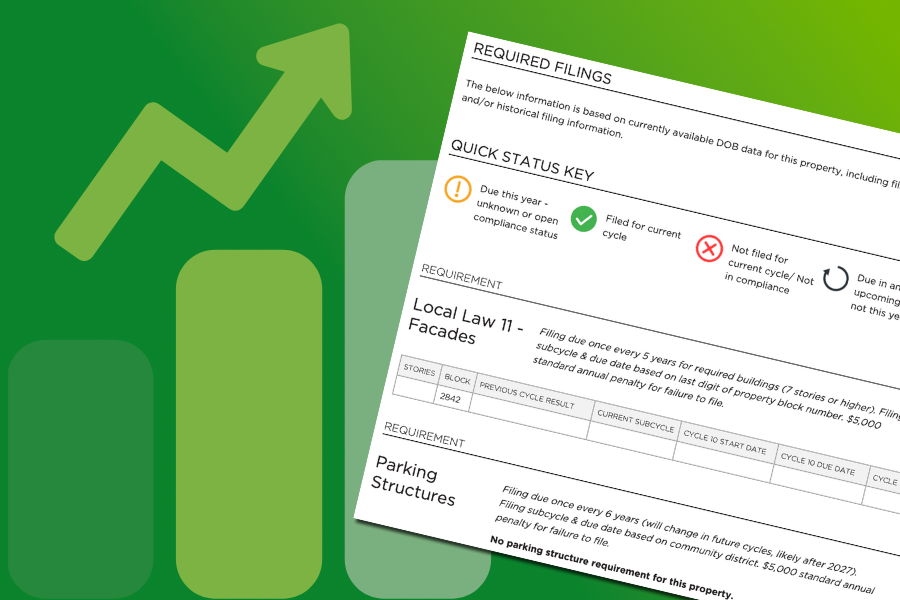
We’re making it even easier to see what a single property is required to do – and whether or not it’s done – with the Executive Summary’s new single property format.
When you run a report for a single location, you’ll now see a new format that highlights what’s required, and (if known), what’s been submitted for a given cycle at that property. We’ll also include any Compliance Manager statuses for teams using that functionality.
It’s a perfect rundown for single building property managers, or anyone who wants to share data with stakeholders for a given property.
More High-Level Filing Data
In addition to high-level violation, fine and hearing, and complaint analytics, your Executive Summary will now include summaries and action items for FISP, retaining walls, and parking structures.
As NYC rules continue to grow and expand, we wanted to make sure your team had a quick way to check in on high-fine requirements, and ensure you’re on track to meet deadlines.
Each new section will highlight analytics for properties that require these filings within a given cycle and subcycle, plus a breakdown of any applicable filing statuses. It’s a great way to ensure structural filings are done on time – especially as the DOB ramps up enforcement here.
Filing status summary charts will also be coming to your customizable Dashboard, so you can view the same high-level details live in your account on demand.
Financial Overview Sections
One of the biggest additions to the Executive Summary is the new financial overview section for each major requirement. In addition to high-level filing counts (what’s been done, what’s outstanding), we’ll now give your team an accounting of fines prevented and potential risk.
Each financial overview outlines fines prevented by on-time filings within the current cycle (plus previous cycles for elevators and boilers), and potential risk from outstanding filings. It’s a great way to highlight compliance wins and understand risk – so you can drive it down.
The Financial Overview sections are optional, so you can choose to include or exclude them from any Executive Summary.
Periodic Elevator Inspection Summary
Your elevator compliance summary page now includes high-level tracking details for periodic elevator inspections, taking the data from your account and summarizing it. Now you have even more insights into how many periodic inspections are outstanding for the current and previous cycles, just like CAT1 and CAT5 tracking. And yes – like the new filing summary charts, periodic summary data is also coming soon to your personal Dashboard.
Compliance Manager Tracking
For teams who use customizable Compliance Manager tracking for specific requirements, those graphs will now be included in your Executive Summary! In addition to any filing statuses from the city, you’ll also be able to see where your team stands on key requirements.
For teams not using Compliance Manager, it’s a great way to add an extra layer of context to official statuses from the city. You can easily track what steps your team has taken towards compliance, and view those details for each property or via high-level tracking.
You can learn more about Compliance Manager here. If you’re interested in getting a closer look, just connect with your Customer Success Manager!
Detailed Appendices
While compliance information for specific properties is always available directly in your account, you can also choose to include detailed Appendices in your Executive Summary.
Each Appendix outlines filing statuses or requirements for key compliance items at each property in the report. This includes details on FISP, parking structures, sustainability requirements, and retaining walls. It’s a great way to get specifics on the high-level information outlined in your Summary.
Depending on the number of properties included in your Report, your Appendices may add a few (or quite a few) pages to the end. You can choose to include all Appendices or remove the full Appendix section when you first generate your report.
Pro Tip: Any time you see a square and arrow icon in your Executive Summary, that’s a link back to the specific data in your account. It’s a great way to get more details on any high-level action items, especially if you choose not to include the Appendix section.

We’re so excited for teams to use Executive Summary data to plan action items throughout the year and drive down potential fines.
Access SiteCompli and InCheck reports here in your account, and don’t hesitate to reach out to Support or your Customer Success Manager if you have questions about generating a report for your properties!
Related Articles



About the Author

